Why Your Printer Is Printing Lines and Streaks
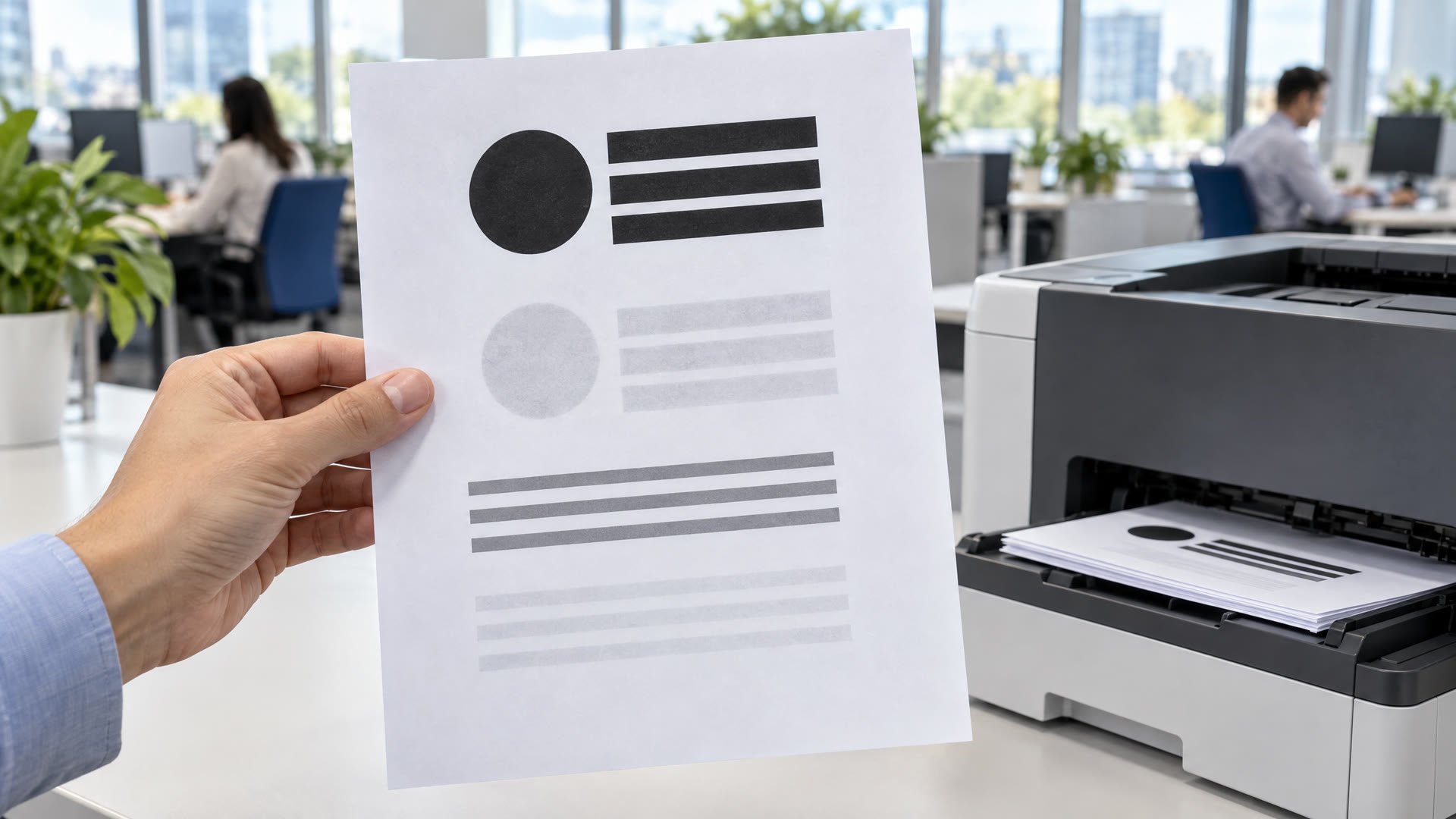
Lines and streaks on office prints come from a short list of parts. Here is how to narrow it down, what to try at your desk and when to call a tech.
On this page
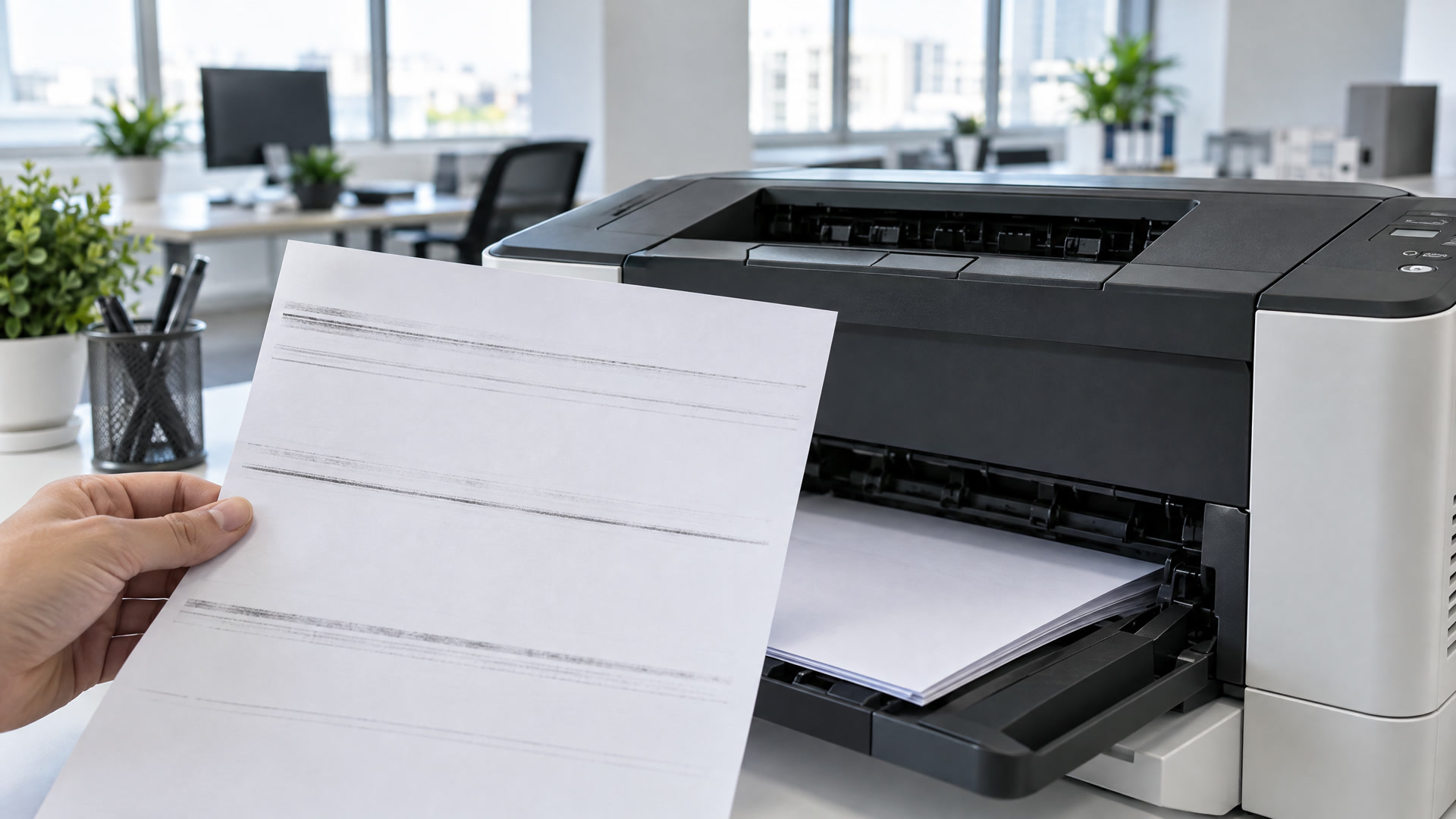
The quarterly report is due in an hour, and every page has a gray line running through the middle. It is one of the most common calls we get from offices around Huntsville, and the fix depends on which part is leaving the mark. A few minutes of checking at your desk usually tells you if this is a quick fix or a job for a technician.
The direction of the line narrows it down
Pull three bad pages from the tray and lay them side by side. Ask two questions.
- Does the line run top to bottom, or side to side? Lines that run the length of the page, in the direction the paper travels, are the most common. Bands that cross the page from side to side point somewhere else.
- Is it in the same spot on every page? A line that never moves is usually tied to a fixed part or a single spot on the cartridge. A mark that wanders points to loose toner or debris.
Write down what you see. That note saves time if you end up calling us.
Copies and prints tell different stories
If your machine scans and copies, run one test of each. Send a document from your computer, then make a copy of a clean page.
If the print is clean and only the copy has the line, the printer is fine. The scanner is picking up a speck on its glass. Most copiers read pages from the document feeder through a narrow glass strip beside the main glass. Turn the machine off, spray a little glass cleaner on a soft, lint-free cloth and wipe both.
If both the print and the copy show the line, keep going.
A fresh look at the toner cartridge comes next
The toner cartridge is the part you can check yourself in under a minute.
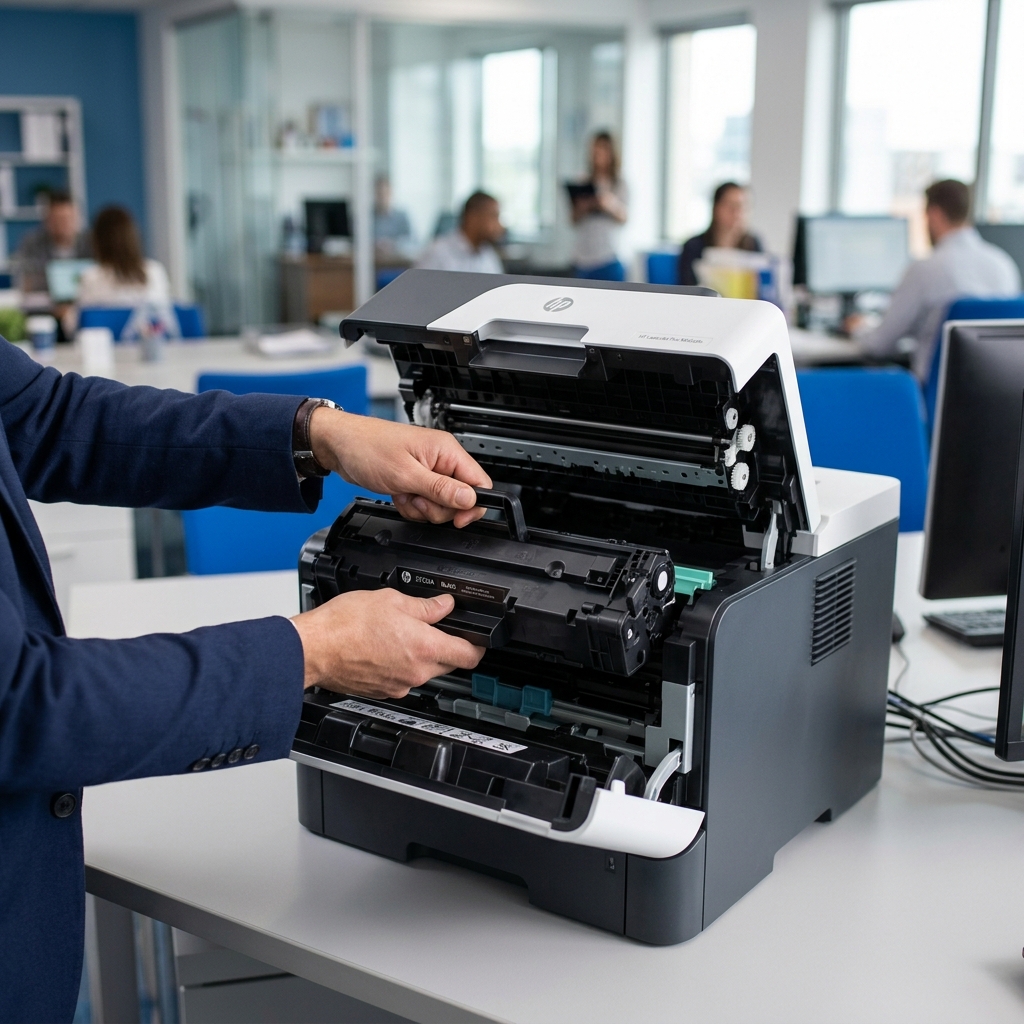
Open the printer and lift the cartridge out. Look along its length for toner leaking at the ends or caked on the edges. Hold it level and tip it gently side to side a few times so the remaining toner spreads out, then set it back in until it clicks.
Print a page. If a pale band has cleared, the cartridge was running low, so order the next one now. If you just put in a new cartridge and the line started right after, take it out and check for packing tape or a plastic strip that did not come off. A new cartridge that is not fully seated can mark every page.
Dark lines often mean something is dirty inside
A sharp black line is usually a different problem than a faded stripe. Loose toner, a scrap of a torn label or a bit of paper dust can sit in the paper path and leave a trail on every sheet.
Turn the printer off and give it time to cool. Remove the paper tray and the cartridge, then look inside with a flashlight. Lift out anything you can see with a dry, lint-free cloth. Do not use a household vacuum, and do not touch the green or blue drum surface on the cartridge. Skin oils leave marks of their own.
Worn parts show up as patterns, not spots
Some lines will not clear no matter what you try at your desk. That usually means a part has worn out.
- Toner that smears when you rub it points to the fuser, the heated part that bonds toner to paper.
- Marks that repeat at an even spacing down the page often come from a roller or the drum.
- Lines that came back after a new cartridge point past the toner.
Business laser printers are built to have these wear parts replaced on a schedule. Fusers run hot and are fastened inside the printer, so leave that one to a technician.
Good paper habits prevent a lot of streaks
A few simple habits keep many print problems from starting.
- Keep paper sealed in its wrapper until it goes in the tray. Paper that sits open in a warm supply closet picks up moisture.
- Match the paper type setting to what is loaded, especially for labels and card stock.
A technician is the right call for some lines
Call us when the line stays after you have checked the scanner glass, the cartridge and the paper path, when toner rubs off the page or when the printer makes grinding noises. Our certified technicians work on HP, Brother, Canon, Lexmark, Kyocera, Xerox, Konica Minolta, Ricoh, Dell and Epson printers, no matter where you bought them, and we come to you across Madison, Decatur, Athens and the rest of the Tennessee Valley.
We keep your office printing
Call (256) 883-4567 or schedule a repair. Tell us the printer model and what the line looks like. Our printer repair page covers what we fix, and our preventive maintenance plans replace wear parts before they show up on your pages.
If the cartridge was the culprit, Rocket City Premium Printer Supplies cover HP, Brother, Canon, Xerox and more, with OEM available on request. Orders placed before 3:00 PM ship the same day, and in-stock orders placed before 11:00 AM get same-day local delivery. Existing customers can reorder in a few clicks through EasyOrder. New customers can build an order form.
Questions about your printer or toner?
Call us or book an appointment. Tell us your printer model and we will help you find the right cartridge, or send someone out for a repair.