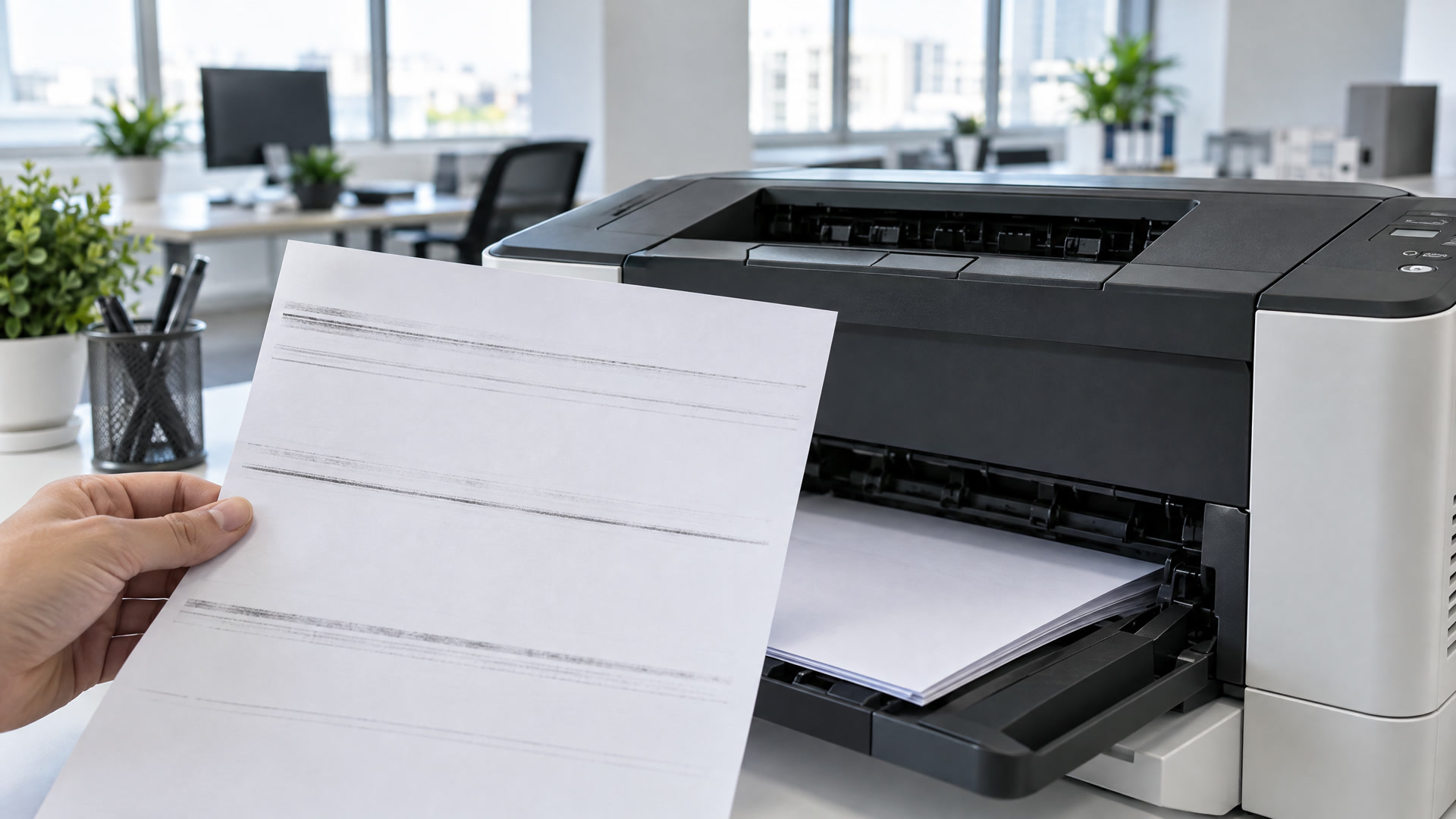
Printer Ghosting: Why a Faint Copy Shows Up Lower on the Page
Printer ghosting leaves a pale second copy of text or images further down the page. Here is what causes it, what you can check and when to call.

On this page
You print a letter and spot a pale copy of the letterhead sitting a few inches below the real one. Or a chart shows up twice on the same page, once dark and once faint. That is printer ghosting. It is common on laser printers, and it nearly always traces back to a short list of causes. Some you can check in a few minutes. Others need a technician.
What printer ghosting looks like
Ghosting is a faint repeat of something printed higher up on the same page. The ghost sits directly below the original, lined up with it across the page, and it is lighter. On some printers it repeats two or three times down the sheet, fading each time.
That pattern is what separates ghosting from other print problems. A line running top to bottom is a streak. Gray haze across the whole page is something else again. Ghosting is a copy of your own text or image, printed where it should not be.
Print a test page and measure it
Before you change anything, print a page with a dark logo or a block of heavy text at the top and plenty of white space below it. Then grab a ruler.
- Measure the gap from the top of the original to the top of the ghost.
- Note if it repeats and if the spacing stays the same each time.
- Write the printer model and the paper you used on the back of the page.
Keep that page. Every roller inside a laser printer turns at its own size, and the gap between the original and the ghost lines up with the part causing it. A technician can often tell from the measurement alone if the drum or the fuser is the problem.
Check the paper and the paper setting
Start with the easy fixes. A laser printer adjusts its heat and speed based on the paper type you choose in the print settings. If heavy stock, labels or glossy paper go through on the plain paper setting, toner may not bond the way it should, and some of it can end up printed again lower on the page.
Match the paper type in the print dialog to what is in the tray. Paper that has picked up moisture can cause the same trouble, and Huntsville humidity finds its way into an open ream fast. Keep paper sealed until you load it, then print your test page again.
Plug the printer straight into the wall
Laser printers draw a lot of power when the fuser heats up. A printer sharing a power strip, extension cord or battery backup with other equipment may not get steady power, and that can affect how toner moves onto the page. Most manufacturers recommend plugging a laser printer directly into a wall outlet.
If yours is on a strip, move it to the wall and print another test page. If the ghost fades or goes away, you found your fix.
A worn drum can leave a ghost behind
The drum carries the image that gets transferred to the paper. After each turn, it is supposed to clear completely before picking up the next part of the page. As a drum wears, it can hold on to a trace of the last image and print it again on the next turn.
On many printers the drum is built into the toner cartridge, so a fresh cartridge takes care of it. On others the drum is a separate unit with its own replacement schedule. If the ghosting started right after you installed a new cartridge, take it out and reseat it. A cartridge that is not seated properly can cause print problems of its own.
Rocket City Premium Printer Supplies cover HP, Brother, Canon, Xerox and more, and we can get OEM supplies on request.
The fuser is a common cause
The fuser heats the toner and presses it onto the paper. When it wears out or does not reach the right temperature, some toner sticks to the fuser roller instead of the page. On the next turn, the roller presses that toner back onto the paper, and you get a ghost.
A fuser problem often brings other signs with it. Watch for toner that smudges when you rub it, a gray tint on blank areas or ghosting that gets worse as the day goes on. Fusers run very hot and are fastened into the printer, so replacing one is a job for a technician.
What not to do
- Do not keep swapping toner cartridges. If a new cartridge did not fix it, another one probably will not either.
- Do not touch the drum surface. Fingerprints and scratches cause their own marks.
- Do not reach for the fuser. It can stay hot for a while after the printer is turned off.
When to call a technician
Call us if you see any of these:
- Ghosting that stays after you check the paper setting and the outlet
- Ghosting along with smearing or toner that rubs off
- An error message tied to the drum or the fuser
- Ghosting on a printer your office cannot afford to have down
Our certified technicians repair HP, Brother, Canon, Lexmark, Kyocera, Xerox, Konica Minolta, Ricoh, Dell and Epson printers, no matter where you bought them. We come to you across Huntsville, Madison, Decatur, Athens and the greater Tennessee Valley.
We keep Huntsville offices printing
Call (256) 883-4567 or schedule a repair and tell us your printer model and what you measured on your test page. Our printer repair page covers what we fix, and our preventive maintenance plans replace worn parts on schedule so problems like this do not catch you off guard.
If your office would rather not deal with printer trouble at all, our printer lease program includes repair, service and maintenance at no charge when you buy your toner from us. Our managed print service watches your toner levels and delivers before you run out. Already a customer? Reorder anytime through EasyOrder, your custom online order form. New customers can build an order form here.
Questions about your printer or toner?
Call us or book an appointment. Tell us your printer model and we will help you find the right cartridge, or send someone out for a repair.