Expert Service
Printer Repair
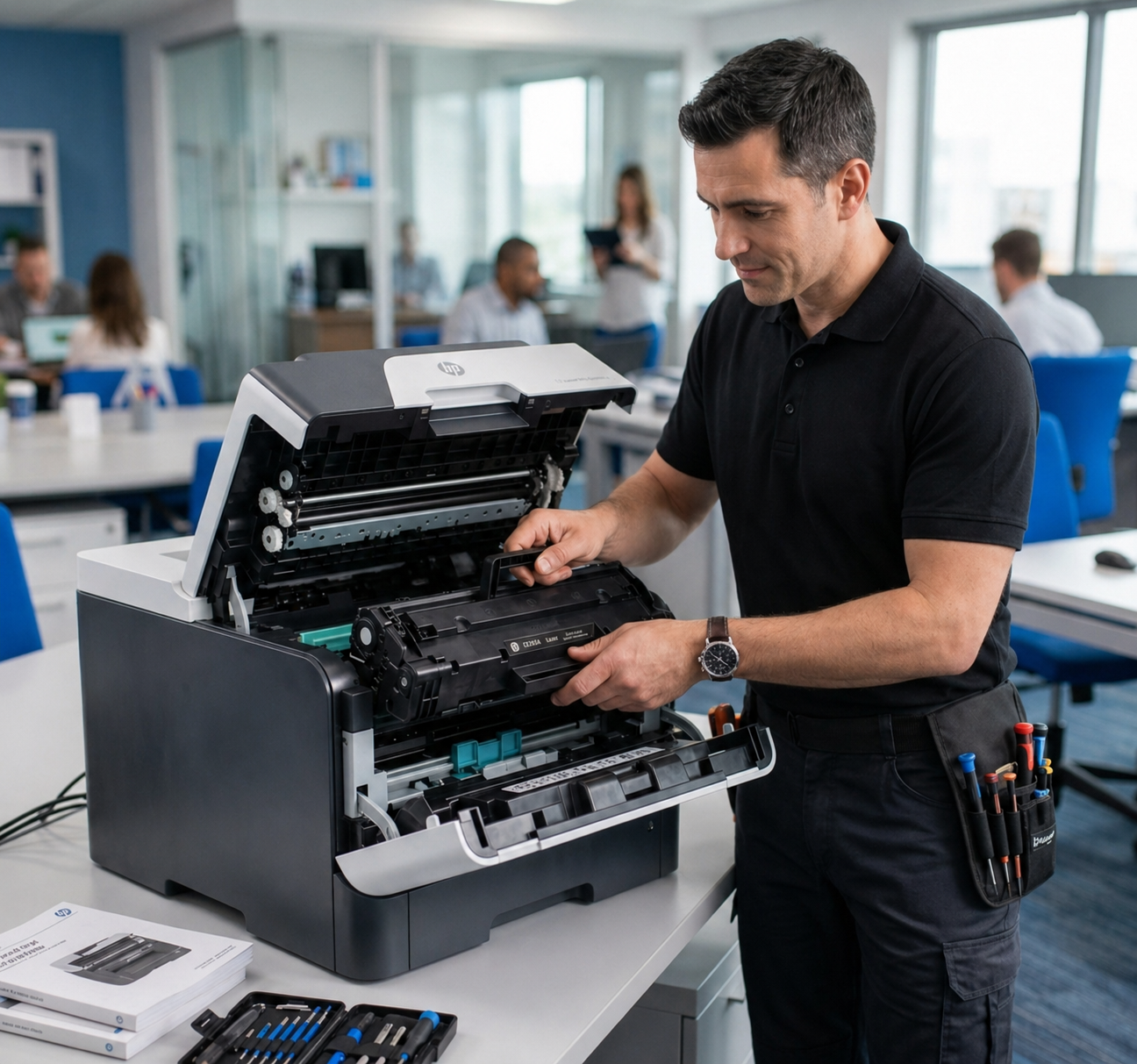
Need printer repair near me in Huntsville? We offer printer repairs in and around the Huntsville Area. We work on paper jams, error messages, and poor print quality. Contact Rocket City Printers & Supply. Our certified techs have over 20+ years of experience repairing printers in the Huntsville area.
Best Printer Repair Service
Huntsville's Top Choice for Printer Service
More than 15K+ customers have trusted our certified printer repair techs. If you need help with a printer near Huntsville, AL, contact Rocket City Printers & Supply today!
At Rocket City Printers & Supply, our goal is to be Huntsville's top choice for printer repairs and service. We have repaired printers for businesses in and around Huntsville for more than 20+ years. Our certified techs have successfully fixed thousands of printers during this time.
So if you are looking for the best printer repair company in Huntsville, give us a call. Our printer specialists are here and ready to help. We are your best choice for printer repair and service near Huntsville, AL.
Brands We Service
We repair all major printer and copier brands, including but not limited to:
Common Issues We Fix
- Paper jams and feed issues
- Poor print quality or smudging
- Error codes and connectivity problems
- Toner or ink cartridge errors
- Strange noises during printing
- Routine maintenance and cleaning
Online Booking
READY TO GET YOUR PRINTER FIXED?
Skip the hold music — book your repair appointment right here. Our certified techs are dispatched same-day across the Huntsville Area.
Prefer to call? (256) 883-4567 — we'll dispatch a tech today.
Printer repair questions
Do you offer printer repair near me in Huntsville?
Yes. We offer printer repairs in and around the Huntsville Area. Our office is by appointment only. Call (256) 883-4567 or schedule a repair.
What kinds of printer problems do you look at?
We fix paper jams and feed issues, poor print quality or smudging, error codes and connectivity problems, and toner or ink cartridge errors.
Got Questions?